
Good morning! This is the one we promised last time, about how the stone actually works. There’s a bit of tech in here, but we’ve tried to keep it readable. If your eyes glaze over, the pictures are nice.
The problem
A carving game lives or dies on one thing: you have to be able to hit the stone anywhere, from any angle, as many times as you like, and it still has to look like a solid lump of rock afterwards. Not a hollow shell. Not a stretched, melted mess. Rock.
The obvious approach is to take a 3D model of a block and push its surface in wherever the chisel lands. That’s fine for a dent. It falls apart the moment you want to knock a corner off, cut a hole right through, or have a chunk come away and fall on the floor. A mesh only knows about its surface. It has no idea what’s inside.
So we don’t store the surface
Instead, the block is a big 3D grid of numbers. Each number says, roughly, “how far is this point from the edge of the stone, and is it inside or outside?” Carving doesn’t move any triangles at all. A strike just changes the numbers in a small area around the chisel tip.
The surface you actually see is rebuilt from those numbers whenever they change, using a well-known technique called marching cubes. It walks through the grid, looks for the places where “inside” turns into “outside”, and builds triangles there. Because the inside is always defined, you can cut anywhere and there’s always stone behind what you just removed.
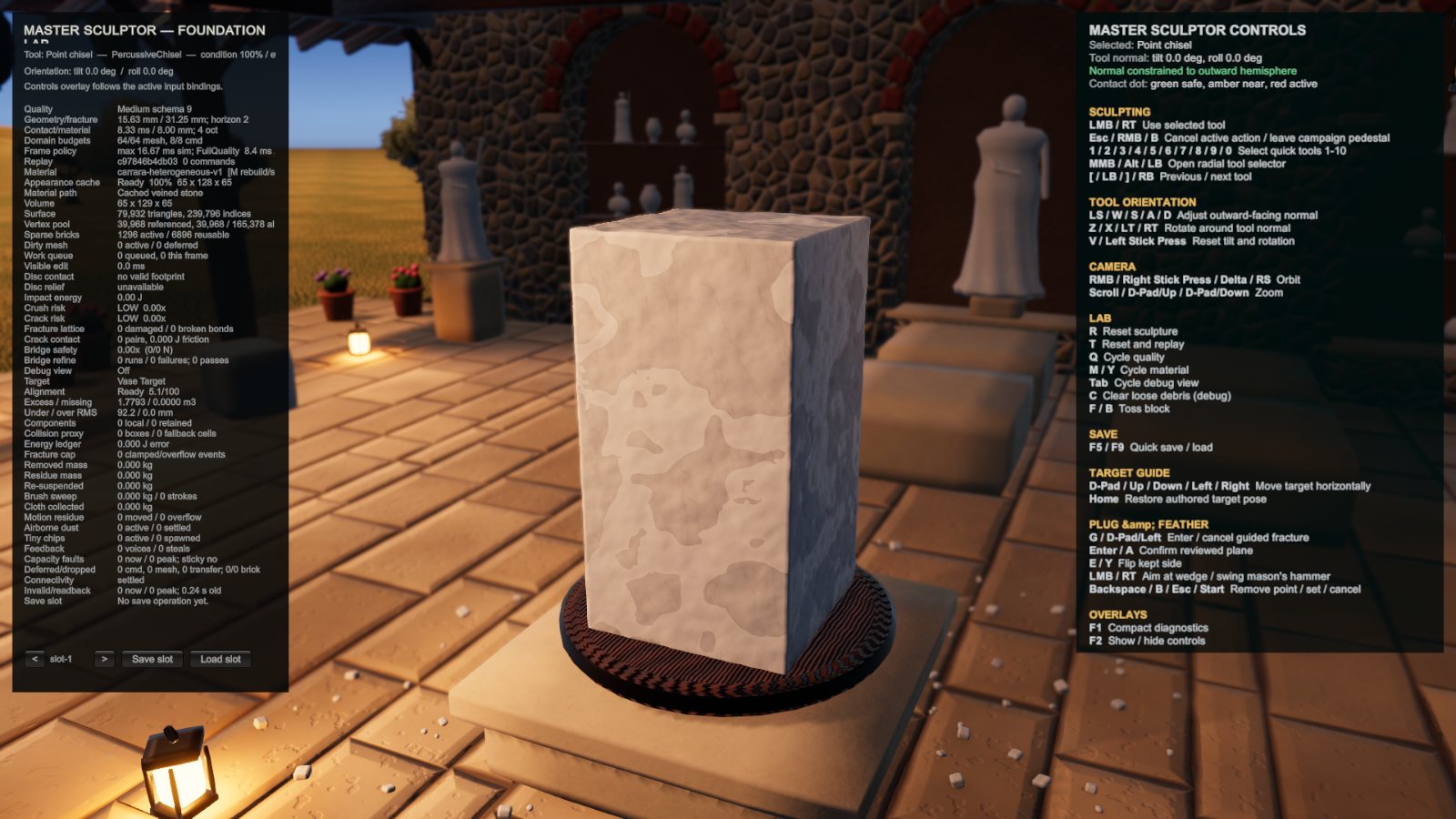
Bricks
Here’s the catch. To get fine detail, that grid needs to be quite dense, and a dense grid for a big block of marble is a lot of memory. Far too much to keep around for every piece in your workshop.
Most of a block is boring, though. Deep inside it’s solid stone, and outside it’s empty air, and neither of those needs storing in detail. Only the thin layer near the surface is interesting. So the grid is chopped into small bricks, and only the bricks the surface passes through get the full-detail treatment. Everything else is just a single “solid” or “empty” flag. As you carve, bricks wake up and go back to sleep as the surface moves through them.
All of this runs on the GPU in compute shaders. If you read our GPU physics posts for Drone Armada you’ll know we’re not shy about throwing work at the graphics card. The difference here is that we need it to stay comfortable on 8GB cards, so every bit of memory has to earn its place.
The chocolate bar phase
Getting neighbouring bricks to agree on exactly where their shared edges are took much longer than it had any right to. For a while every block had faint lines across it, like a bar of chocolate. Hours went into that one. It’s fixed now, mostly by making sure the bricks share their vertices properly rather than each building its own and hoping for the best.
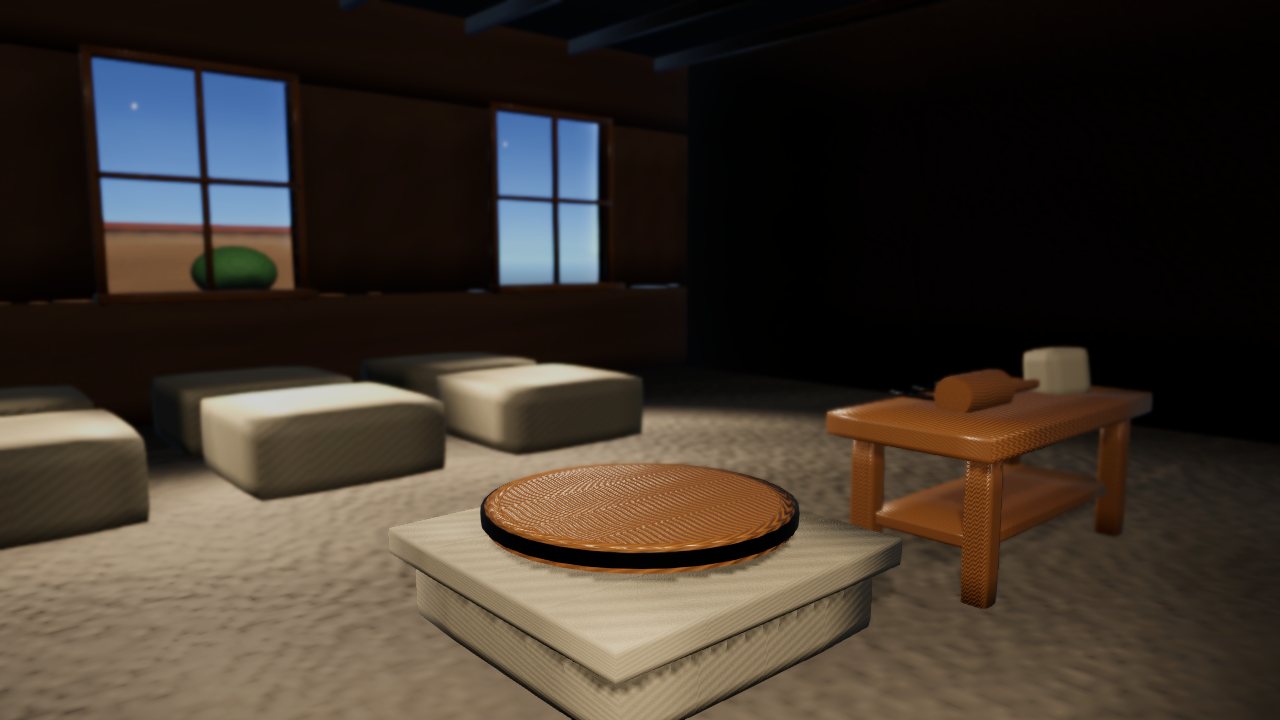
The small stuff
Once the big pieces worked, it was the little details that made it feel like stone. Chips fly off when you strike. Dust settles on the block and around the pedestal. The freshly cut surface looks rougher than the old weathered face of the block. None of it is complicated on its own, but take any one of them away and it suddenly looks like you’re hitting grey clay.
The first time a whole corner came off cleanly and dropped onto the floor, we spent a good twenty minutes just hitting a block for no reason at all. Which seems like a decent sign for a game about hitting blocks.
Next time: the tools.